

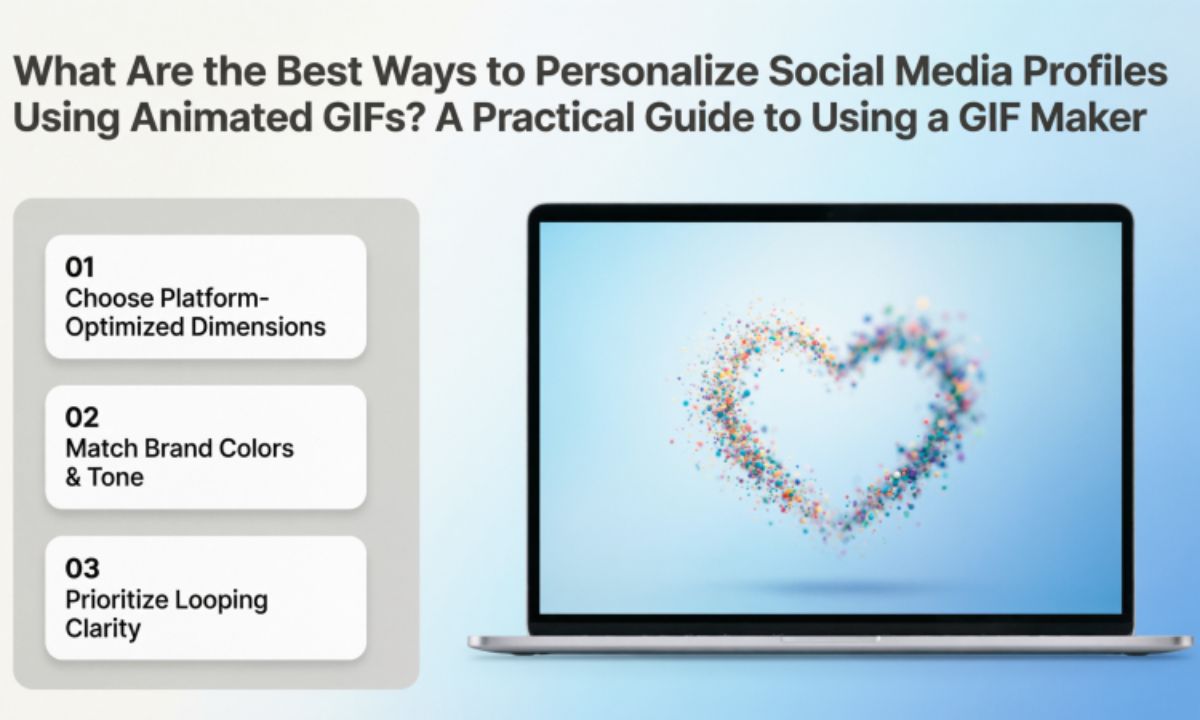
Social media profiles are often the first impression people have of you or your brand. A static profile can communicate basic information, but adding animated visuals can make your personality, interests, and creativity stand out. One of the easiest ways to achieve this is by using a GIF maker to create custom animated images that reflect your style.
This guide explains how animated GIFs can enhance social media profiles, where they work best, and how to create GIFs that are engaging without becoming distracting.
Why Are Animated GIFs Effective on Social Media?
Animated GIFs sit between a static image and a full video. They are lightweight, loop automatically, and quickly capture attention while remaining easy to share across many platforms.
Unlike lengthy videos, GIFs communicate an idea in just a few seconds. Whether you’re expressing a mood, showcasing artwork, highlighting a hobby, or adding movement to branded content, GIFs make your online presence feel more dynamic.
Key takeaway
Animated GIFs add movement and personality to social media profiles while remaining simple to create and share.
What Is a GIF Maker?
A GIF maker is a tool that converts images, videos, or multiple frames into a looping animated GIF. Many online tools allow users to upload photos, trim videos, adjust animation speed, add captions, and export optimized GIF files.
Because GIFs are widely supported, they can be used across messaging apps, social platforms, blogs, and digital communities.
Definition
A GIF maker is software or an online tool that creates animated GIF files from existing media or individual images.
Key takeaway
A GIF maker transforms ordinary photos or videos into looping animations suitable for social media and online communication.
How Can GIFs Personalize Your Social Media Profile?
Personalization goes beyond profile photos. Small animated elements can help communicate who you are before someone even reads your bio.
Some effective uses include:
- Celebrating achievements
- Highlighting creative work
- Showing favorite hobbies
- Displaying seasonal themes
- Sharing reactions and emotions
- Introducing your personal style
For example, an artist might create a looping animation of their latest illustration, while a photographer could animate a collection of favorite images into a short visual showcase.
Key takeaway
Thoughtfully designed GIFs help visitors understand your personality and interests at a glance.
Which Social Platforms Support GIF Content?
Different platforms use GIFs in different ways. Understanding these differences helps you choose the right content.
X (formerly Twitter)
GIFs perform well in posts and replies, making conversations more engaging.
Animated GIFs can be shared in posts, comments, and Messenger conversations.
Discord
Communities frequently use GIFs to express reactions and personalize conversations.
Many communities allow GIFs in comments and posts, depending on subreddit settings.
Slack
Teams often use custom GIFs to improve workplace communication and add personality.
Some platforms may not support animated profile pictures, but GIFs remain useful in posts, banners, stories, or shared content.
Key takeaway
Not every platform supports animated profile images, but most allow GIFs in posts, comments, or conversations.
What Makes a Good Animated GIF?
Effective GIFs are simple and purposeful rather than overly complicated.
Consider these best practices:
- Keep animations short.
- Use smooth transitions.
- Avoid flashing effects.
- Maintain readable text.
- Optimize file size.
- Choose colors that match your personal or brand identity.
Small details often have the biggest impact.
Key takeaway
Simple, clean GIFs are usually more memorable than overly busy animations.
How to Create an Engaging GIF
Creating a quality GIF is easier than many people expect.
- Select a short video or image sequence.
- Upload it into a GIF maker.
- Trim unnecessary frames.
- Add optional text or stickers.
- Adjust playback speed.
- Preview the animation.
- Export an optimized file.
Testing your GIF before publishing ensures it looks good on both desktop and mobile devices.
Key takeaway
The best GIFs focus on one clear idea instead of trying to communicate too much at once.
Common Mistakes to Avoid
While GIFs can improve engagement, poor implementation can reduce their effectiveness.
Avoid these common mistakes:
- Using low-resolution images
- Creating very large file sizes
- Including excessive text
- Making animations too fast
- Repeating distracting effects
- Using copyrighted material without permission
Keeping GIFs clean and relevant improves both user experience and accessibility.
Key takeaway
High-quality, optimized GIFs are more effective than complicated animations.
Accessibility Tips
Accessibility should always be considered when creating visual content.
Helpful practices include:
- Avoid rapid flashing animations.
- Use readable fonts.
- Maintain strong color contrast.
- Limit unnecessary motion.
- Include descriptive captions when appropriate.
Designing with accessibility in mind helps more people enjoy your content.
Key takeaway
Accessible GIFs improve usability for a broader audience and create a better viewing experience.
Best Practices for Personal Branding
If you’re building a personal brand, consistency matters.
Use similar:
- Colors
- Typography
- Animation style
- Tone
- Visual identity
Matching these elements across posts helps create a recognizable online presence.
Key takeaway
Consistent design makes your social media profiles look more professional and memorable.
Frequently Asked Questions
Can I use a GIF maker without design experience?
Yes. Most GIF makers are designed for beginners and provide simple editing tools.
Key takeaway
Most GIF makers require little or no design experience.
Are GIFs better than short videos?
Each has its purpose. GIFs are excellent for quick reactions and looping animations, while videos are better for detailed storytelling.
Key takeaway
GIFs work best for short, attention-grabbing visual moments.
Do GIFs affect page loading speed?
Large GIF files can slow loading times. Optimizing file size helps improve performance.
Key takeaway
Compressed GIFs provide a better user experience.
Are GIFs supported on every social media platform?
Support varies by platform. Many platforms allow GIFs in posts or comments, although animated profile pictures are less common.
Key takeaway
Always check the media guidelines for each platform before uploading GIFs.
Conclusion
Animated GIFs provide a creative way to personalize social media profiles without requiring advanced design skills. Whether you want to express your personality, highlight your work, or make your content more engaging, using a GIF maker can help create memorable visual content that stands out naturally.
The most effective GIFs are simple, optimized, and aligned with your personal style. By focusing on clarity, accessibility, and consistency, you can create animations that enhance your online presence while keeping your profiles professional and engaging.
Final takeaway
A thoughtfully designed GIF can make a social media profile more engaging, memorable, and expressive while remaining easy to create with a reliable GIF maker.